> ## Documentation Index
> Fetch the complete documentation index at: https://docs.hifi.com/llms.txt
> Use this file to discover all available pages before exploring further.
# Dashboard
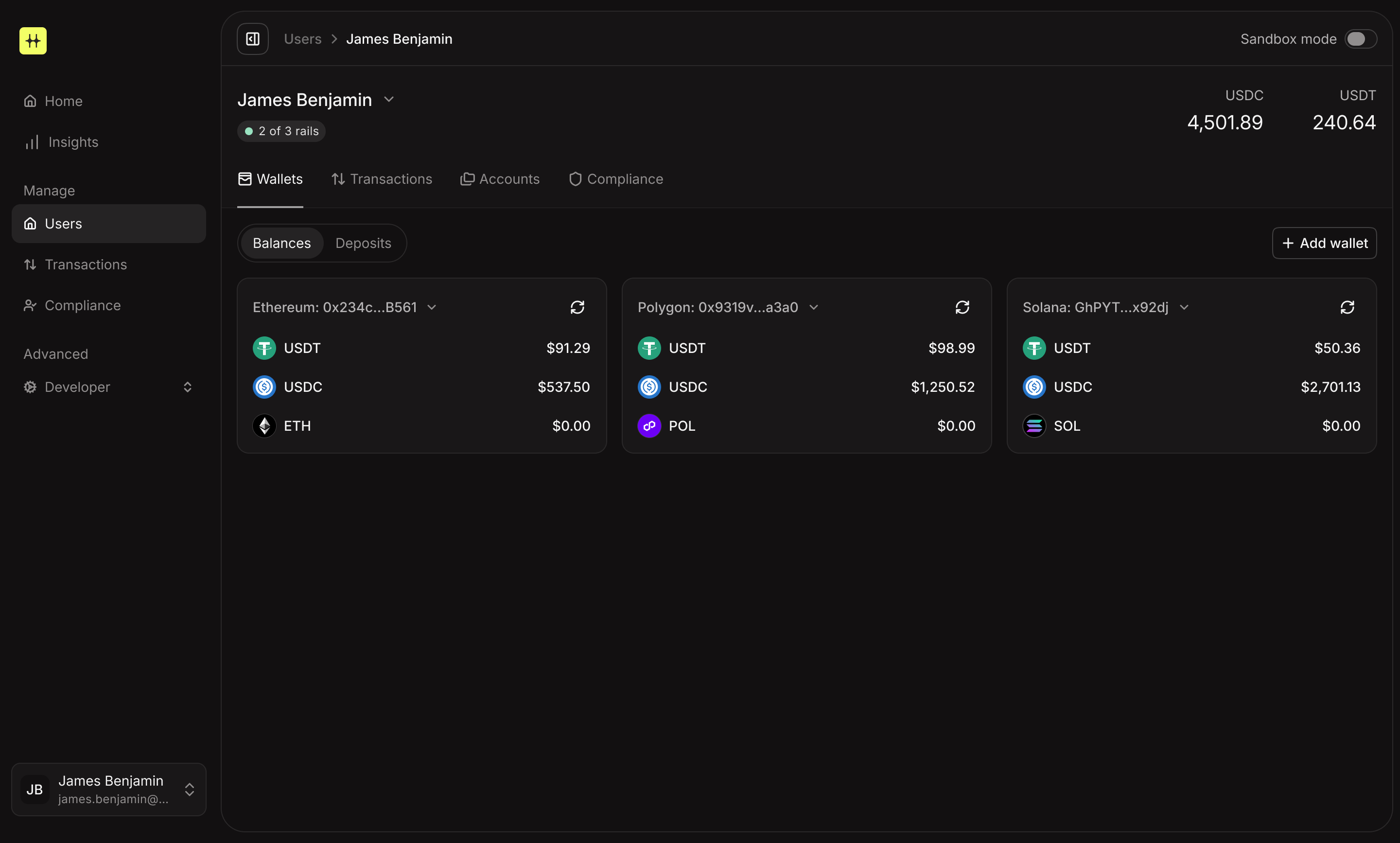
> The HIFI Dashboard is a web application for managing your keys, data, transactions and settings. Access the same capabilities as the API through an intuitive web interface—no code required.
 ## Getting access
Request access at [app.hifi.com/request-access](https://app.hifi.com/request-access). Our team will review and approve your account.
## Roles and permissions
Control access through three permission levels. Each role determines what team members can view and modify.
Users are always granted admin access in the **sandbox** environment,
regardless of their role in production.
### Admin
Complete access to all features and settings. Admins can create users, manage wallets and transactions, configure API keys, assign team roles, access financial reports, set up approval workflows, update business settings, and view billing.
### Member
Operational access with approval requirements for sensitive actions. Members can manage users and accounts but need approval for transfers. They cannot update business settings or view billing information.
### Analyst
Read-only access for monitoring and reporting. Analysts can view all business and user data but cannot create or modify anything.
## Assigning roles
Navigate to **Developer** → **Team**, select a team member, choose their role, and save. Changes take effect immediately.
## Getting access
Request access at [app.hifi.com/request-access](https://app.hifi.com/request-access). Our team will review and approve your account.
## Roles and permissions
Control access through three permission levels. Each role determines what team members can view and modify.
Users are always granted admin access in the **sandbox** environment,
regardless of their role in production.
### Admin
Complete access to all features and settings. Admins can create users, manage wallets and transactions, configure API keys, assign team roles, access financial reports, set up approval workflows, update business settings, and view billing.
### Member
Operational access with approval requirements for sensitive actions. Members can manage users and accounts but need approval for transfers. They cannot update business settings or view billing information.
### Analyst
Read-only access for monitoring and reporting. Analysts can view all business and user data but cannot create or modify anything.
## Assigning roles
Navigate to **Developer** → **Team**, select a team member, choose their role, and save. Changes take effect immediately.